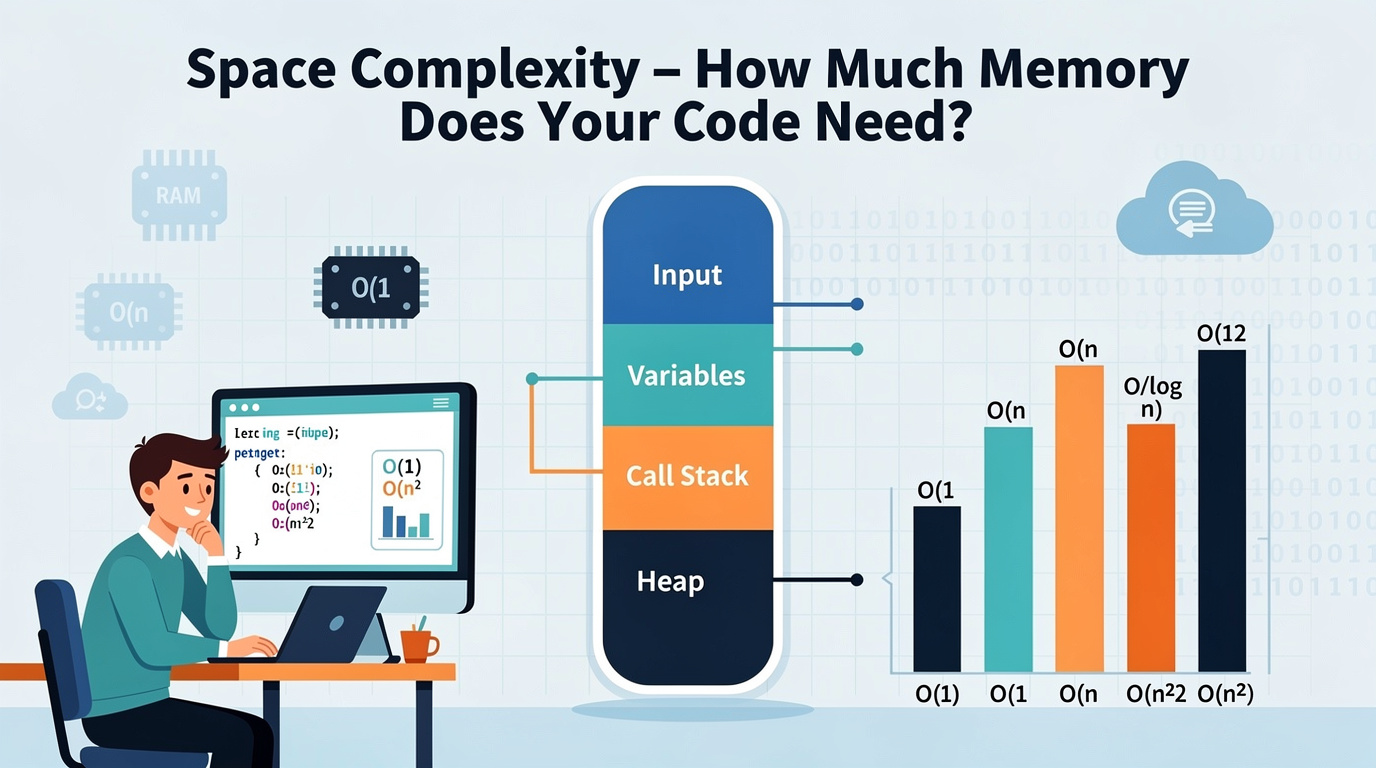
What Is Space Complexity? (And Why Your RAM Matters)
So your algorithm is fast. Awesome. But here is the thing nobody warns you about early enough: speed is only half the equation.
Let me paint a picture. You have a function that processes a million records blazing fast. O(n) time, beautiful. But to do it, it creates a copy of the entire dataset in memory. And another copy. And another. Suddenly your server runs out of RAM, your app crashes, and you are staring at an OutOfMemoryError at 3 AM wondering what went wrong.
Space complexity measures the extra memory your algorithm uses as the input grows. Just like time complexity, we describe it using Big O notation.
The keyword here is extra. We usually do not count the input itself — we only care about the additional memory your algorithm allocates while doing its work. If you create a new array of size n, that is O(n) extra space. If you only use a handful of variables, that is O(1) extra space.
The Time-Space Tradeoff: The Fundamental Choice
Here is something every developer eventually learns the hard way: you can almost always make code faster by using more memory, and use less memory by making code slower.
This is called the time-space tradeoff, and it shows up everywhere:
- Finding duplicates: You can use O(1) space with nested loops (O(n²) time), or O(n) space with a hash set (O(n) time). More memory = faster.
- Caching/Memoization: Store previously computed results to avoid recomputation. More memory = WAY faster.
- Database indexes: Use extra disk space to make queries faster. Same principle.
- Move Zeroes — Can you do it in O(1) space by modifying in-place?
- Valid Anagram — Compare O(n) space (hash map) vs O(1) space (sorting)
- Reverse String — The classic in-place O(1) space exercise
- Flatten 2D Vector — How much extra space does your iterator need?
- Clone Graph — Why does this require O(n) space?
- O(1) space is ideal — barely touches extra memory
- O(n) space is the standard tradeoff — faster time, more memory
- O(n²) space is expensive — only when truly necessary
- The time-space tradeoff is real. Faster usually means more memory.
- Recursion hides space cost. Every recursive call eats stack space.
There is no free lunch. Understanding this tradeoff is how you make smart architectural decisions.
See It in Action
The interactive visualization below shows the space complexity of different approaches. Step through each one to see how memory usage grows (or stays flat) as the input gets bigger:
<iframe src="/en/dsa/embed.html?topic=1&lang=en" width="100%" height="200" style="border:none;border-radius:12px;overflow:hidden" loading="lazy"></iframe>
The Space Complexity Levels (With Real Examples)
O(1) Space — Constant: The Minimalist
What it means: Your algorithm uses the same small amount of extra memory regardless of input size. A few variables, a counter, a flag — that is it.
Real example: Finding the sum of an array. You just need one variable (total) no matter how big the array is.
When to use: Always prefer O(1) space when you can. It is memory-efficient and cache-friendly.
O(n) Space — Linear: The Fair Trade
What it means: Your algorithm creates extra data that grows proportionally with the input. Usually a new array, hash set, or dictionary of size n.
Real example: Removing duplicates using a hash set. The set can grow up to size n if all elements are unique.
When to use: When you need the speed boost and have the memory for it. This is the most common tradeoff.
O(n²) Space — Quadratic: Use With Caution
What it means: Your algorithm creates a 2D structure (like a matrix) of size n × n. The memory grows with the square of the input.
Real example: Building a distance matrix between all pairs of cities, dynamic programming tables.
When to use: Only when the problem genuinely requires a 2D structure. Always ask if you can reduce to O(n).
Code Examples
Python
# O(1) Space — only uses fixed variables def total_sum(arr: list) -> int: total = 0 # Just 1 variable — no extra memory for num in arr: # loops through each item total += num # Add each number to total return total # Python shortcut: sum(arr) does the same thing!# O(n) Space — creates a new list proportional to input def reverse_copy(arr: list) -> list: result = [] # New list grows to size n for i in range(len(arr) - 1, -1, -1): result.append(arr[i]) return result # Python shortcut: arr[::-1]
# O(n²) Space — creates an n × n grid def make_grid(n: int) -> list: return [[0] * n for _ in range(n)] # n rows × n cols = O(n²)
Java
// O(1) Space — fixed variables only public static int totalSum(int[] arr) { int total = 0; // Just 1 variable for (int num : arr) total += num; // No extra memory return total; }// O(n) Space — new array proportional to input public static int[] reverseCopy(int[] arr) { int[] result = new int[arr.length]; // O(n) extra space for (int i = 0; i < arr.length; i++) { result[i] = arr[arr.length - 1 - i]; } return result; }
// O(n²) Space — n × n grid public static int[][] makeGrid(int n) { return new int[n][n]; // n × n = O(n²) space }
How to Analyze Space Complexity
1. Count extra data structures. New arrays, sets, maps, matrices — anything your algorithm creates. 2. Ignore the input. We only count additional memory. 3. Watch for recursion. Each recursive call adds a frame to the call stack. n levels deep = O(n) space. 4. Check if structures grow with n. Single variable = O(1). Array of size n = O(n). Matrix n×n = O(n²). 5. Ask: "Can I reduce this?" Modify in-place for O(1), or keep only current row for O(n) instead of O(n²).
Practice Problems
Wrapping Up
Space complexity is the other half of the algorithm puzzle that too many developers ignore:
In the next post, I am putting it all together with a Big O cheat sheet — a quick-reference guide for every complexity you will encounter.
